Default Feature Presets
Dragonfly's Machine Learning Segmentation module provides default feature presets for both pixel-based training and region-based training. You can use these presets as is, or edit them as required (see Editing Feature Presets). You can also create new presets (see Creating New Feature Presets).
 Default Dataset Features Presets
The default dataset features presets listed below are available for creating new pixel-based or region-based classifiers (see Dataset Features for more information about dataset features).
You should note that the default dataset features presets are stored in the directory: \ProgramData\ORS\Dragonflyxx\Data\OrsTrainer\FeaturePresets.
|
|
Description |
Used to… |
Example |
Settings |
|---|---|---|---|---|
|
Contrast |
|
Enhance low-contrast elements. |
|
|
|
Extrema |
Minimum and maximum value in a region. |
Diminish the importance of small dark or light elements. |
|
1. Maximum: Kernel = 2D circle of size 5.
|
|
Gabors |
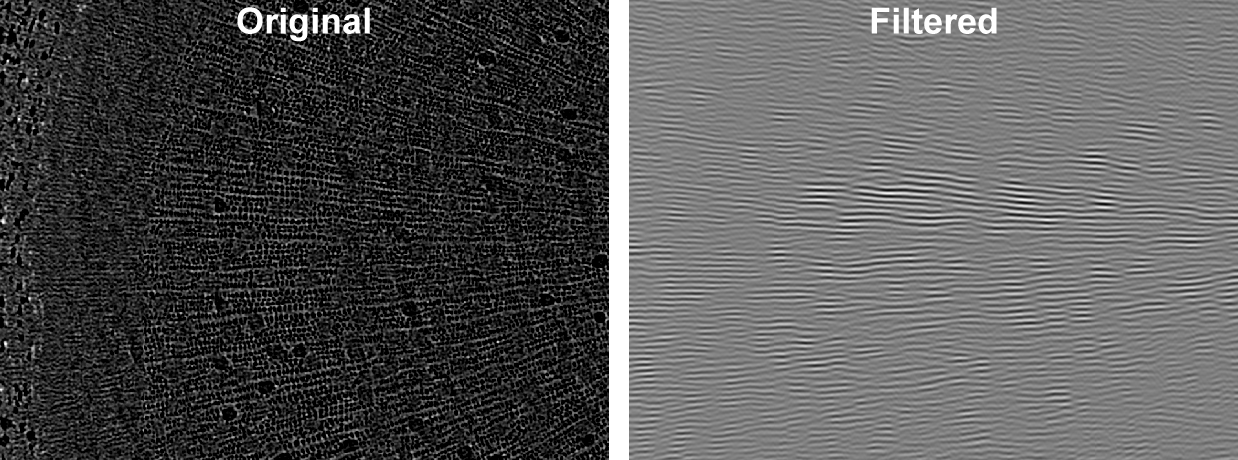
Stack of Gabor filters with different angles. |
Separate elements with oriented patterns. |
|
|
|
Local Binary Pattern |
Local binary patterns computed with four different methods. |
Separate elements with different textures. NOTE Not useful when applied with a histogram, since its output range is irrelevant. |
|
|
|
Moments |
First, second, and third moments of the image. |
Separate elements with different textures. |
|
|
|
Morphological |
Morphological filters. |
Uniformize intensity in a region, which can eliminate small areas within a region that can confuse a classifier. |
|
|
|
Neighbors |
Stack of 3 x 3 editable filters with only one element of the kernel to 1. [1 0 0, 0 0 0, 0 0 0] |
Working on pixels only. To have information on surrounding pixels. Decrease the noise in the classification result. |
|
|
|
Self |
The image itself. |
Always. Might be redundant if you already have smoothing filters in your tree. |
|
1. Arithmetic: A |
|
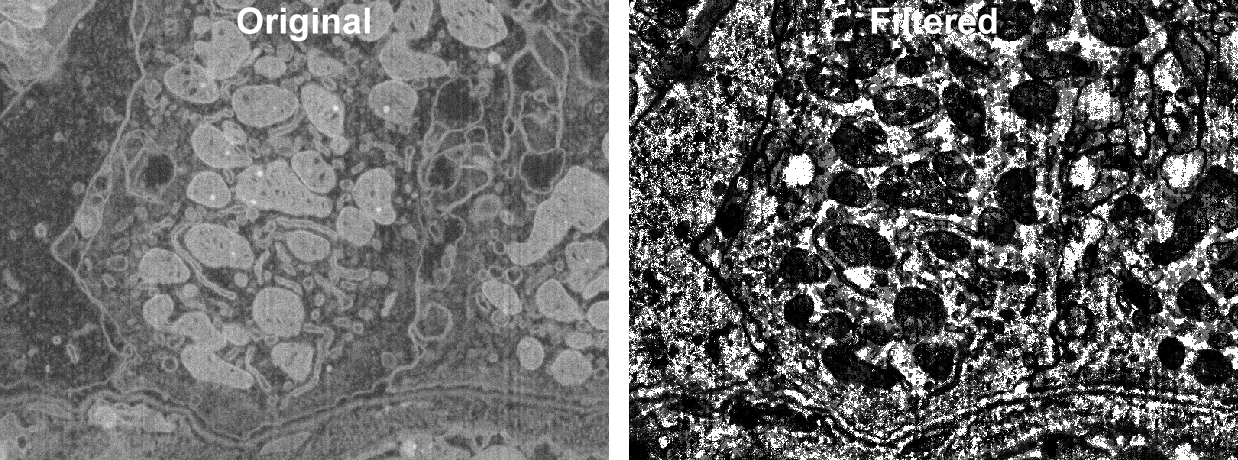
Smoothing |
|
Smooth noisy images, which helps a lot when working on pixels. |
|


 Default Region Features Presets
The default region features presets listed below are available for creating new region-based classifiers (see Region Features for more information about region features).
You should note that the default region features presets are stored in the directory: \ProgramData\ORS\Dragonflyxx\Data\OrsTrainer\RegionFeaturePresets.
|
|
Description |
Useful when |
Example |
Settings |
|---|---|---|---|---|
|
Geometry |
Geometrical characteristics of the regions. |
You have regions big enough to embrace a complete object. The background is often very random in opposition with the elements to separate which have a more regular geometry. |
|
|
|
Histograms |
|
Always. The number of bins is crucial, with an irrelevant number of bins, two classes could end up classified in the same bin. |
|
1. Region Histogram: Bins: 32
|
|
Neighbors Distance |
|
You want to include or exclude dark regions in a bright surrounding or bright regions in a dark surrounding. |
|
|
|
Statistics |
|
Always. |
|